


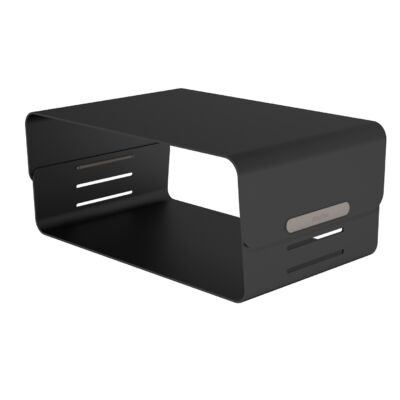
Why is a monitor stand good for your neck and shoulders?
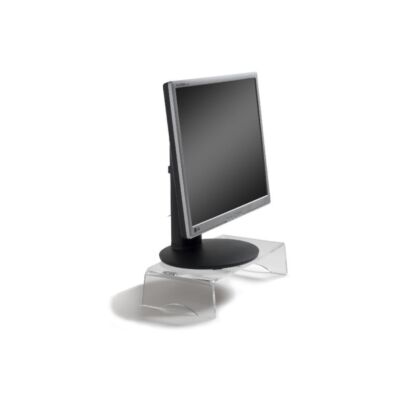
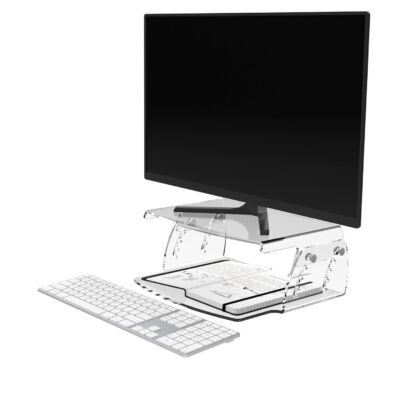
A monitor stand positions your screen at the correct height, allowing you to sit upright and preventing you from leaning forward. This helps reduce neck and shoulder strain.
Do you spend most of your workday behind a computer? To ensure you can perform your work optimally without putting strain on your body, it’s advisable to set up your workspace ergonomically. At Ergo2Work, we offer various solutions to help you with this. One of these solutions is the use of a monitor stand. In our assortment, you’ll find different models that can be a great addition to your desk.
When you spend a lot of time working at a computer, you may unknowingly adopt an incorrect posture. For example, if the computer screen is set too low or the distance is too great, you may unconsciously lean forward to see the screen properly. Maintaining this posture for a prolonged period can lead to discomfort and pain in your neck, shoulders, and back.
That is why it is highly recommended to set up your workspace in such a way that you maintain a good posture without having to strain yourself. One way to achieve this is by adjusting your monitor to the correct height. Our monitor stands offer a simple and practical solution to help you with this. We would also like to introduce you to our laptop stands. These are designed to position your laptop screen at the desired height.
Although both monitor stands and monitor arms contribute to an ergonomic workspace, there are important differences. A monitor stand provides a simple solution to place your monitor at eye level, helping to reduce neck and shoulder strain. However, monitor arms offer greater flexibility, as they allow extensive adjustments in height, depth, and angle. This makes monitor arms ideal for users who frequently adjust their screen position. Choosing between a monitor stand and a monitor arm depends on your specific needs and preferences.
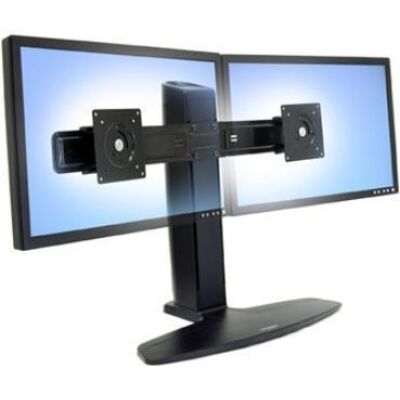
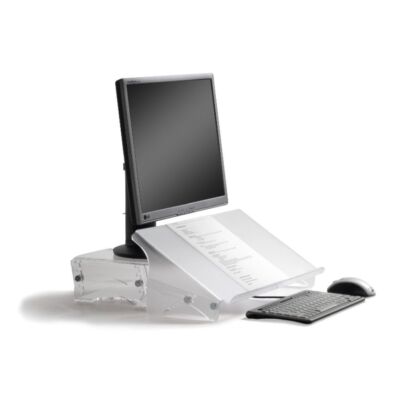
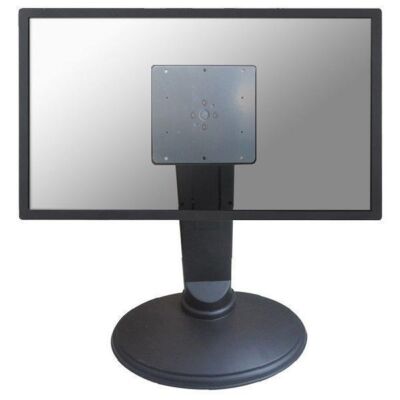
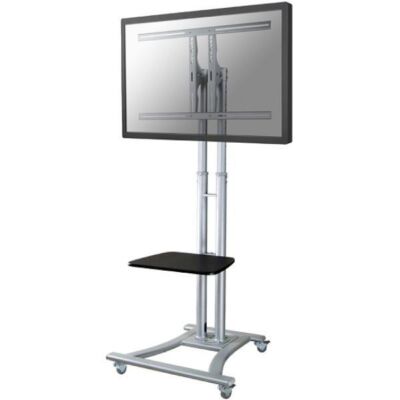
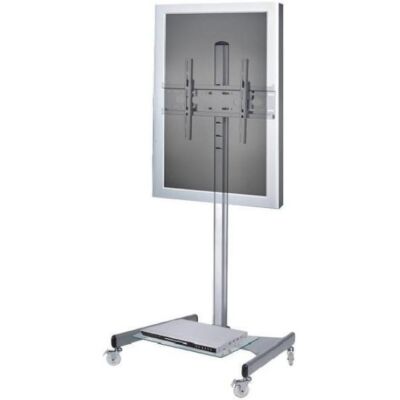
At Ergo2Work, we offer a wide range of monitor stands suitable for different workspaces and needs. For example, we have models designed for one or two screens, mobile stands for LCD and plasma screens that are ideal for meetings and presentations, and deluxe versions that allow the screen to rotate. In addition, there are stands with built-in storage space, such as a drawer for documents, helping to keep your workspace tidy. This variety ensures that you can choose a monitor stand that perfectly matches your specific situation.
Would you like to use one of our monitor stands to position your screen exactly where you want it? In our online range, you will find various models. These models are of high quality, allowing you to benefit from them for many years to come. Take a look at the different stands to determine which version best suits your needs:
Are you looking for practical ways to work at your desk with good posture? Our monitor stand is an excellent solution for setting up your workspace ergonomically, just like, for example, our sit-stand desks. We would be happy to show you the various high-quality and user-friendly models in our range. Choose the stand that meets your needs and place your order online. Do you still have questions? Feel free to contact us. We are happy to help you with more information and expert advice.
A monitor stand positions your screen at the correct height, allowing you to sit upright and preventing you from leaning forward. This helps reduce neck and shoulder strain.
Make sure the top of your screen is at eye level when you are sitting upright. This helps you maintain a healthy posture while working.
Yes, there are stands available for two or more screens, allowing you to position all your monitors ergonomically.
Yes, many models are adjustable in height and/or tilt, so you can adapt the position of your screen to your working posture.
Metal and high-quality plastic are the most durable and offer a good balance between strength and long lifespan.
A monitor stand raises your screen on your desk and is simple to use. A monitor arm offers much more flexibility, such as adjustments in height, depth, and rotation angle.
Anyone whose screen is slightly too low and who experiences neck or shoulder discomfort. It is especially useful for people who spend a lot of time working at a computer.
Set the top of your screen at eye level and make sure you don’t have to lean forward. You should be looking straight ahead, which feels more comfortable immediately.
You can, but a laptop stand usually works better because it is specifically designed for the size and ventilation of a laptop. Ideally, combine it with an external keyboard and mouse.
No, many stands are compact and actually help keep your desk more organized. Some models even offer extra storage space for items like papers or accessories.









 ©1999 - 2026 - Ergo2Work